
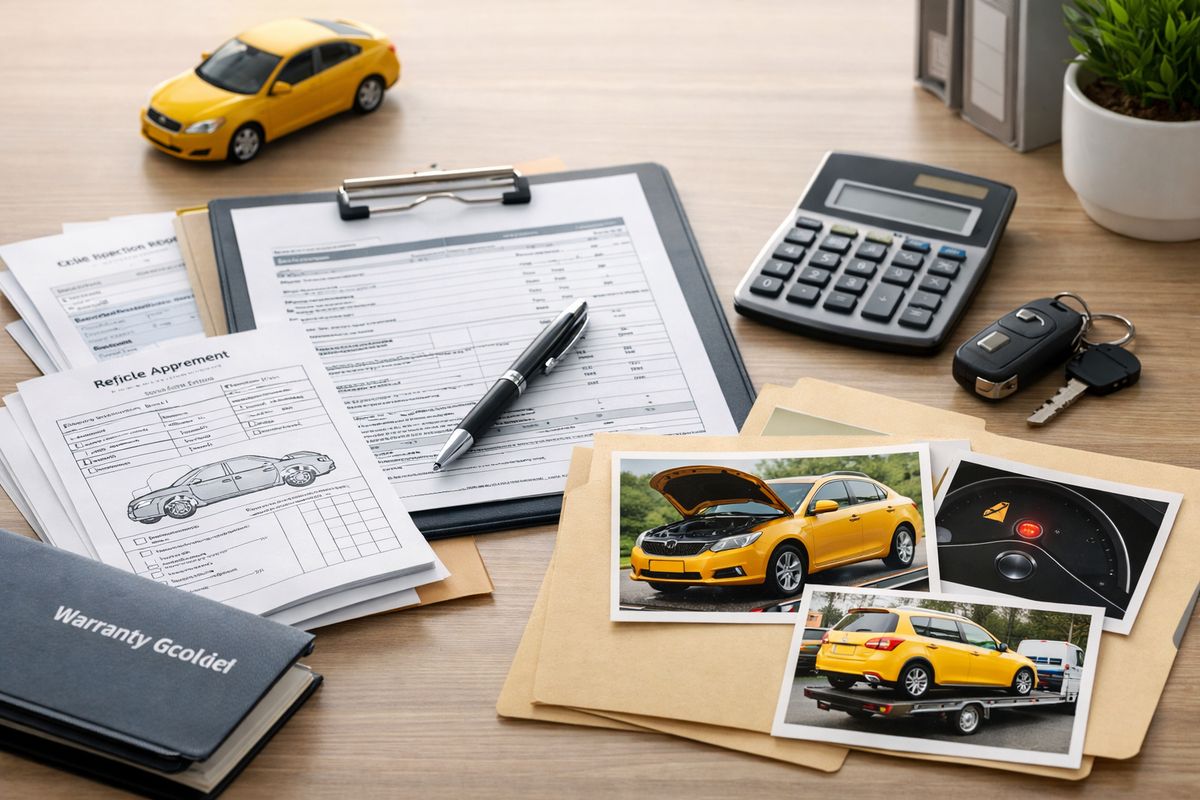
If your car keeps going back to the shop for the same problem, frustration is only half the battle. The other half is paperwork, and the right lemon law proof documents can make the difference between a vague complaint and a claim that actually moves. Here’s how to build a clean, persuasive file that shows what went wrong, how often it happened, and why it matters.
What you’ll need before you start
Before you organize anything, gather the core records in one place. You are building a paper trail, not writing a dramatic story, so the goal is simple: show what vehicle you got, what defect showed up, and how many chances the dealer had to fix it.
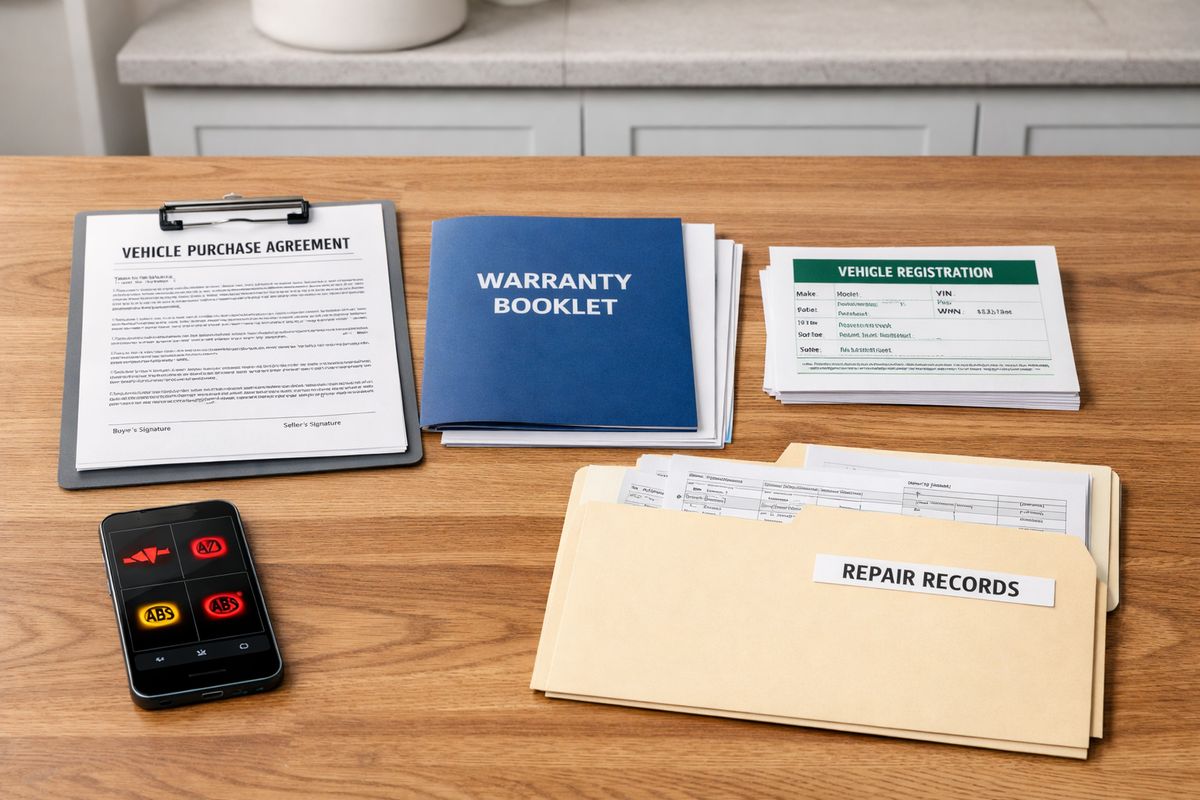
Your purchase or lease paperwork
Start with the documents from the day you got the vehicle. That usually means your buyer’s order, retail installment contract, lease agreement, odometer disclosure, and any add-ons or delivery forms you signed. These records help pin down the sale or lease date, the VIN, the starting mileage, and the dealer involved.
That matters more than it sounds. If a manufacturer later disputes timing, these are the records that show when your coverage period started and which vehicle is involved.
Your warranty booklet and owner documents
Set aside the manufacturer warranty booklet, powertrain warranty information, roadside assistance paperwork, and any owner documents that mention warranty repairs or notice procedures. If you have been wondering about how warranty coverage and lemon claims overlap, these are the documents that usually answer it.
Keep the full booklet, not just the summary page. Small details about covered components, repair obligations, and manufacturer contact steps can end up mattering.
A simple folder system for everything
Use one physical folder, one phone album, and one digital folder on your computer or cloud drive. That may sound basic, but it works. When documents live in your glove box, text thread, downloads folder, and kitchen counter, key proof goes missing fast.
Name digital files in a way that makes sense at a glance, like “2026-F150-RepairOrder-03-14-2026” or “CheckEngineLight-Photo-07-02-2026.” Future you will be grateful.
Step 1: confirm that your vehicle issue fits a likely lemon law pattern
Before you spend hours sorting records, make sure your situation looks like more than ordinary warranty inconvenience. The pattern is what matters.
- Check the year of your vehicle.
- Confirm whether you own or lease it.
- Identify the main defect.
- Count the repair visits.
- Count the days the vehicle was unavailable.
If you want a broader picture of what usually counts as a qualifying defect in Florida, that helps frame the document-gathering process.
Check the vehicle year and ownership type
Verify that your vehicle is a 2024, 2025, or 2026 model, and note whether it is owned or leased. Keep that answer consistent throughout your file. A leased vehicle can still matter here, but the paperwork needs to show your legal connection to the car and the warranty period that applied when the defect surfaced.
Identify the defect clearly
Write the problem in plain English, then keep using the same wording. Good examples are “engine stalls at red lights,” “transmission slips when accelerating,” or “vehicle loses power and displays check engine light.”
Consistency matters. If one document says “hesitation,” another says “stalling,” and another says “rough running,” the file can start to look scattered even when it is really one repeated problem.
Count repair visits and days out of service
Make a quick running total of how many times the vehicle went in for the same issue and how many days it stayed there. If your SUV sat behind a service department in Orlando for 23 days waiting for parts, that is not a side detail. That is part of the pattern.
Step 2: collect the documents that prove you bought or leased the vehicle
Now build the foundation. These records show that the vehicle is yours, when you got it, and when the warranty timeline began.
- Pull the signed purchase or lease contract.
- Add registration and title records.
- Include finance paperwork and payment records if relevant.
- Add odometer and delivery documents.
Purchase contract or lease agreement
Your signed contract is one of the anchor documents in the whole file. It usually lists the VIN, sale or lease date, dealer name, purchase price, and mileage at delivery.
If that document is missing, request a copy from the selling dealer right away. Do not assume it is somewhere in an email you will find later.
Registration, title, and finance records
Add your registration, title if one has been issued, and financing records that show ongoing payments or payoff status. These can help establish current ownership and may also support out-of-pocket loss if you are still paying for a vehicle that keeps failing.
If you are considering getting rid of the car just to end the headache, read about what can happen financially when you unload a bad vehicle too early. That decision can cost more than expected.
Odometer and delivery documents
Include the odometer disclosure, delivery checklist, and any possession paperwork from the day you took the vehicle home. These small documents can answer timeline questions fast, especially if the manufacturer later tries to argue that the issue appeared too late or after heavy use.
Step 3: get every repair order and repair invoice from the dealership
This is the heart of your file. Repair orders are usually the strongest lemon law proof documents because they show the exact complaints you reported and what the dealer did about them.
- Request records from every service visit.
- Ask for both open and closed repair orders.
- Read each one for accuracy.
- Save even the frustrating “no problem found” visits.
Ask for both opened and closed repair orders
Ask the dealership for every repair order tied to your VIN, not just the final invoices. The opened repair order shows what you reported when you dropped the vehicle off. The closed version shows what inspection, testing, or repair happened before pickup.
That distinction matters. Sometimes the drop-off complaint is detailed, then the final invoice gets watered down into something vague.
Make sure your complaint is written correctly
Read the customer complaint section on every repair order. If you said “transmission jerks between second and third gear,” the paperwork should say that, not “customer states noise” or “check operation.”
If the dealer keeps writing vague language, keep returning to the same plain-English description. If you are dealing with a service department that brushes the issue off, this guide on what it usually means when a dealer says the problem is normal can help you spot the pattern.
Look for dates, mileage, and technician notes
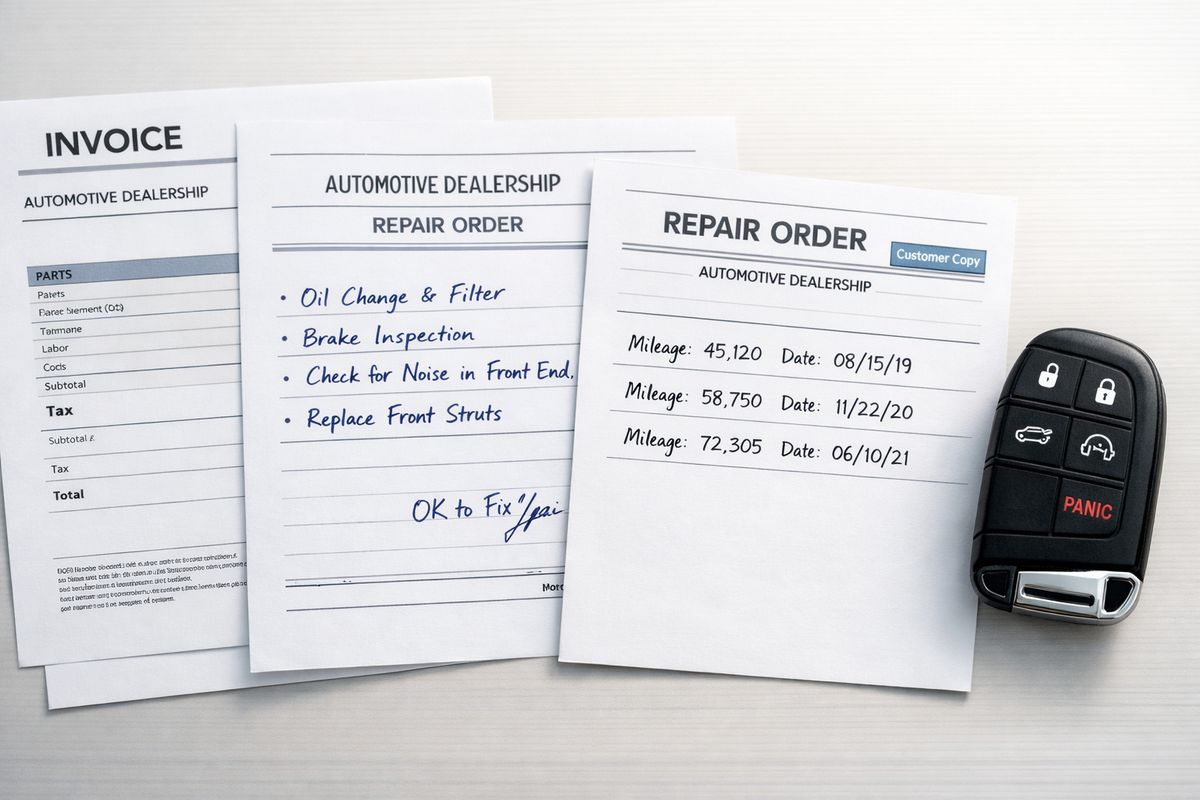
Check every repair order for in-date, out-date, mileage, line-item complaints, technician comments, parts replaced, and test results. Those details often show repeat failed repair attempts, duplicated symptoms, or long delays waiting for authorization or backordered parts.
Even the technician note “unable to duplicate at this time” can help you if it appears again and again across multiple visits.
Request records even if the dealer says nothing was found
Do not throw out service paperwork just because the dealer could not reproduce the issue. “No problem found,” “operating as designed,” and “could not duplicate” are still useful records. They prove you brought the vehicle in and gave the dealership an opportunity to address the defect.
Step 4: build a timeline that shows the defect kept coming back
Once the raw records are in hand, turn them into a timeline. This is where a pile of papers starts to become a real claim file.
- Start with the date you got the vehicle.
- Add the first time you noticed the problem.
- List each repair visit in order.
- Include days out of service.
- Note what happened after each pickup.
Create a date-by-date defect log
Your log can be simple. Use a spreadsheet, notes app, or one-page document with columns for date, mileage, symptom, dealer, result, and days in shop. A clean timeline makes repeated failure obvious in a way loose paperwork never does.
Match each timeline entry to a document
Every major timeline entry should connect to a document, photo, screenshot, or receipt. If you note that the check engine light returned two days after pickup, attach the dash photo or app alert to that entry.
That is the trick. Memory helps you build the story, but documents prove it.
Highlight repeat failures after major repairs
If the engine was replaced and the stalling continued, or the transmission was swapped and the slipping came back, mark that clearly. Major repairs that fail to solve the problem are hard to ignore. If that sounds familiar, this page on ongoing trouble after an engine swap shows why those records can carry real weight.
Step 5: save proof of every day your vehicle was unusable
A vehicle does not have to be completely dead to disrupt your life, but long stretches without it are especially persuasive. Save records that show loss of use in concrete terms.
- Count total out-of-service days.
- Save rental and towing records.
- Keep backup for alternate transportation.
- Note major disruptions briefly and factually.
Track total days in the shop
Use the in-date and out-date on repair orders to total up every day the vehicle was at the dealership. Include time spent waiting for parts, diagnosis, approval, or follow-up work.
If you need more context for how long is too long when your car sits at the dealer, the answer usually starts with your paperwork.
Keep rental, rideshare, and towing receipts
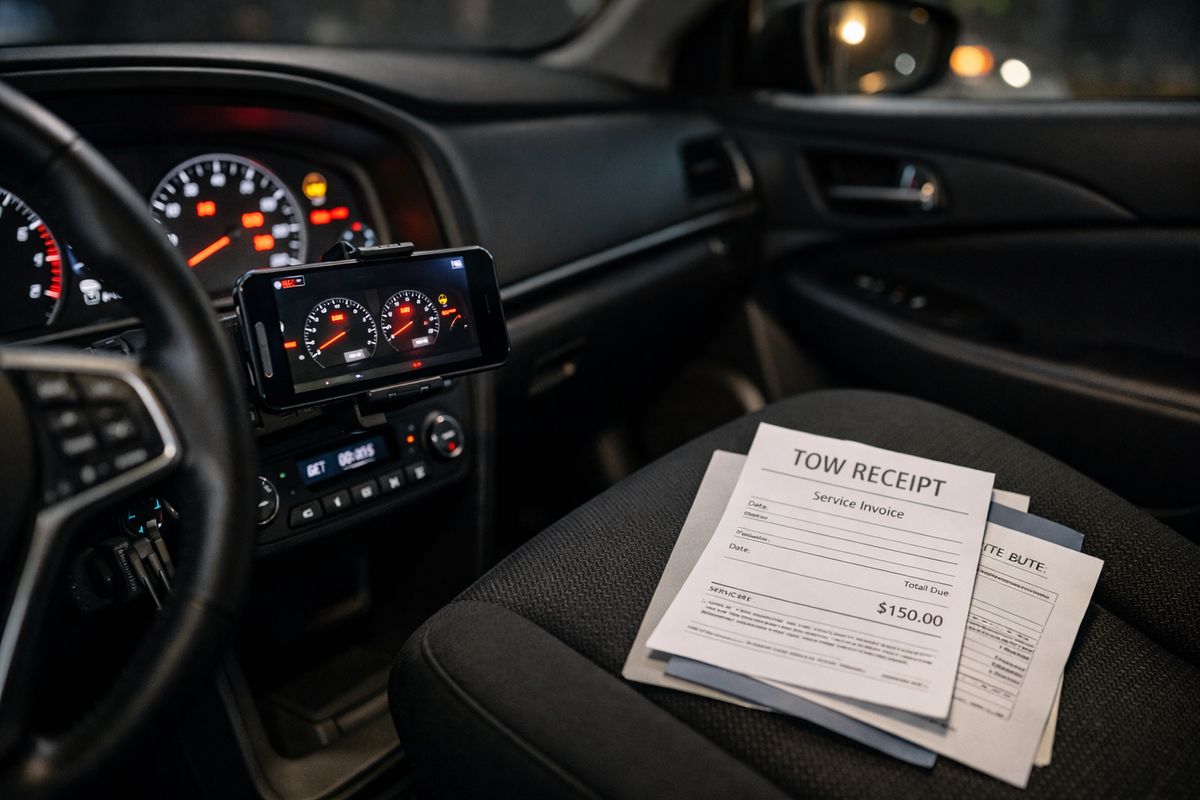
Save every rental invoice, tow receipt, rideshare receipt, and roadside assistance record. These documents show direct disruption and direct cost. Even if reimbursement is not the main goal, these records help show the defect was not minor.
Note missed work or canceled travel when relevant
If a breakdown caused you to miss work, a doctor visit, or a planned trip, write a short factual note with the date and any supporting proof. Keep it brief. “Missed flight to Atlanta after vehicle would not start on 6/12/26, tow receipt attached” is enough.
Step 6: gather photos, videos, and dashboard evidence
Paper records are strong, but visual evidence makes the defect easier to understand fast. Sometimes one 20-second video says more than five repair orders.
- Photograph warning lights and messages.
- Record repeat symptoms as they happen.
- Save app alerts and scan results.
- Back everything up digitally.
Photograph warning lights and damage
Take clear photos of dashboard warnings, fluid leaks, cracked parts, smoke, or other visible signs of the defect. Include one wide photo and one close-up when possible.
Good lighting helps. So does capturing the odometer in the same shot if you can.
Record videos of recurring symptoms
Short videos are best. Record the hard start, rough idle, hesitation, grinding noise, shudder, or screen failure as it happens. You do not need a cinematic production. You need something clear enough that another person can see or hear the problem.
Save app alerts and diagnostic screenshots
If your vehicle app sends a warning, save the screenshot. If a tow service or repair shop gave you a scan result, save that too. These little digital breadcrumbs help confirm dates and symptoms between dealership visits.
Step 7: keep every text, email, and letter related to the defect
Useful evidence often lives in your phone, not in your glove box. Communication records help show what you reported, when you reported it, and how the dealership or manufacturer responded.
- Save service texts and emails.
- Keep manufacturer case information.
- Save notice letters and delivery proof.
- Write down call summaries right after the call.
Save dealership communication
Keep appointment confirmations, service status texts, parts-delay updates, and pickup messages. These can explain why the vehicle sat for days, why you had to return, or why a repair stretched much longer than expected.
Save manufacturer case numbers and call summaries
If you opened a customer care case, keep the case number, call date, representative name, and a quick note about what was said. One sentence after each call is enough if it captures the key point.
Keep certified mail and formal notice records
If you sent formal notice by certified mail, keep the letter, receipt, and delivery confirmation together. If your file later moves into arbitration or legal review, formal notice paperwork can become much more important than it felt on mailing day.
Step 8: organize your lemon law proof documents into a claim-ready file
Once everything is gathered, organize it so somebody else can understand it in minutes, not hours.
- Sort documents by category.
- Put each category in date order.
- Label files clearly.
- Add a one-page summary on top.
Sort documents by category
Group your materials into purchase records, warranty documents, repair orders, communication records, expense receipts, and photos or videos. A claim-ready file should feel easy to scan, not like rummaging through a junk drawer.
Put everything in chronological order
Within each category, place the oldest item first and the newest last. Chronological order tells the story without extra explanation and helps you notice missing dates.
Create a one-page summary sheet
Add a front page with the year, make, model, VIN, main defect, number of repair attempts, and total days out of service. If you are unsure how much repetition matters, this overview of how repeated shop visits are usually evaluated gives useful context before a case review.
Step 9: review your file for gaps before you submit a claim
Before sharing your file, do one final pass. This is where you tighten loose ends and catch avoidable problems.
- Compare your timeline with your records.
- Look for missing visits.
- Fix inconsistent descriptions.
- Save a full backup copy.
Check for missing repair visits
Compare your repair orders against your calendar, text messages, and appointment confirmations. A missing visit can make the history look weaker than it really is.
Fix inconsistent problem descriptions
If one visit says “hesitation” and another says “stalling,” add a note if both refer to the same ongoing issue. The goal is not to rewrite the service records. It is to keep your summary clear and consistent.
Make copies before sharing documents
Save your file as PDFs when possible, back it up, and keep the original version. Pages get lost. Screenshots get buried. A backup avoids a second headache.
Common lemon law proof documents that strengthen a florida claim
Some records matter more than others. If you want a quick gut check, these are usually the ones that do the heavy lifting in a Florida claim.
Core documents
The basics are your purchase or lease agreement, registration, warranty booklet, and every repair order. If those are missing, rebuild those first.
Supporting documents
Photos, videos, texts, emails, towing invoices, rental receipts, and your defect timeline help fill in the real-world gaps between service visits. They make the paperwork feel connected instead of random.
Helpful extras
Trade-in appraisals, payoff statements, recall notices, and independent inspection records can all help in the right situation. If the dealer kept “fixing” the same issue without solving it, a related breakdown of what to document after repeat repair attempts can help you spot what your file still needs.
Troubleshooting: what to do if key records are missing or messy
Missing documents are annoying, but they do not automatically sink your claim. Most paper trails can be rebuilt at least partially.
If the dealer says records are lost
Ask for a full VIN-based service history printout, appointment history, and any internal notes connected to your visits. Follow up in writing by email so your request is documented too.
If your complaint was written down the wrong way
At the next visit, state the issue clearly and ask that your wording be reflected on the repair order. Then keep your own dated note of what you actually reported.
If repairs happened at more than one dealership
Request records from every location and merge them into one master timeline. The service lane changed, but the defect did not.
If you only have screenshots or partial records
Use what you have. Screenshots, call logs, payment records, calendar entries, and roadside assistance history can help rebuild missing dates and fill timeline holes surprisingly well.
What you can expect after your documents are ready
Once your file is organized, you are no longer just frustrated. You are prepared. That changes the conversation.
Prepare for a case evaluation
Have your year, make, model, VIN, repair count, and total days out of service ready to go with your document file. A case review usually starts there, then moves into the repair history and defect pattern. If you want a clearer picture of what happens once your paperwork goes in for review, that process is worth understanding before you submit anything.
Possible outcomes your documents can support
Strong records may support a manufacturer buyback, replacement vehicle, cash settlement, or other compensation tied to the defect. Better documentation does not create a claim by itself, but it makes a real claim easier to prove.
Your next move
Start with one thing today: request every repair order you do not already have. That single step often turns a vague, exhausting car problem into something you can actually act on.
Frequently asked questions
What are the most important lemon law proof documents to keep?
Start with your purchase or lease agreement, warranty booklet, registration, and every repair order from every dealership visit. After that, save supporting proof like photos, videos, texts, emails, towing bills, rental receipts, and a timeline of the defect.
Do “no problem found” repair orders still help my claim?
Yes. Those records still show that you brought the vehicle in, reported the issue, and gave the dealer a chance to fix it. That matters even when the service department says it could not duplicate the problem.
Can you use phone photos and videos as proof?
Yes, especially when the defect is intermittent. A photo of a warning light or a short video of stalling, grinding, shuddering, or screen failure can help show the problem is real and recurring.
What if repairs happened at different dealerships?
Get records from each location and combine them into one timeline. Multiple dealerships do not erase the pattern. In some cases, they actually help show how persistent the issue has been.
Do lease documents matter in a lemon law claim?
Yes. Your lease agreement helps prove when you got the vehicle, what vehicle is involved, and that you are the person dealing with the defect. For leased vehicles, that paperwork is part of the foundation of the claim.
What if you are missing some documents?
Use what you have and rebuild the rest. Service history printouts, emails, appointment confirmations, call logs, payment records, and screenshots can all help fill gaps if a full paper file is not available.
Talk to jonathan about your vehicle
Jonathan D. Schwartz, the attorney behind Bad Vehicle, helps vehicle owners understand Lemon Law options. He can review your repair history, answer your questions, and help determine the next steps for your potential claim.
Your case review is free, and you pay no attorney fees unless you win.
Schedule your free consultation with Jonathan
Think your vehicle may qualify?
Have your repair history reviewed and find out what options may be available under Lemon Law or warranty law.